Hello, I’m trying to create Flatpak versions of GTK3 themes. I tried using themes that were already created to learn how they work, but I can’t export them to a “.flatpak” file. Is there a specific command for this?
Or is there simply no way to export Flatpak themes?
Can I just upload the files to Flathub and they can be installed normally?
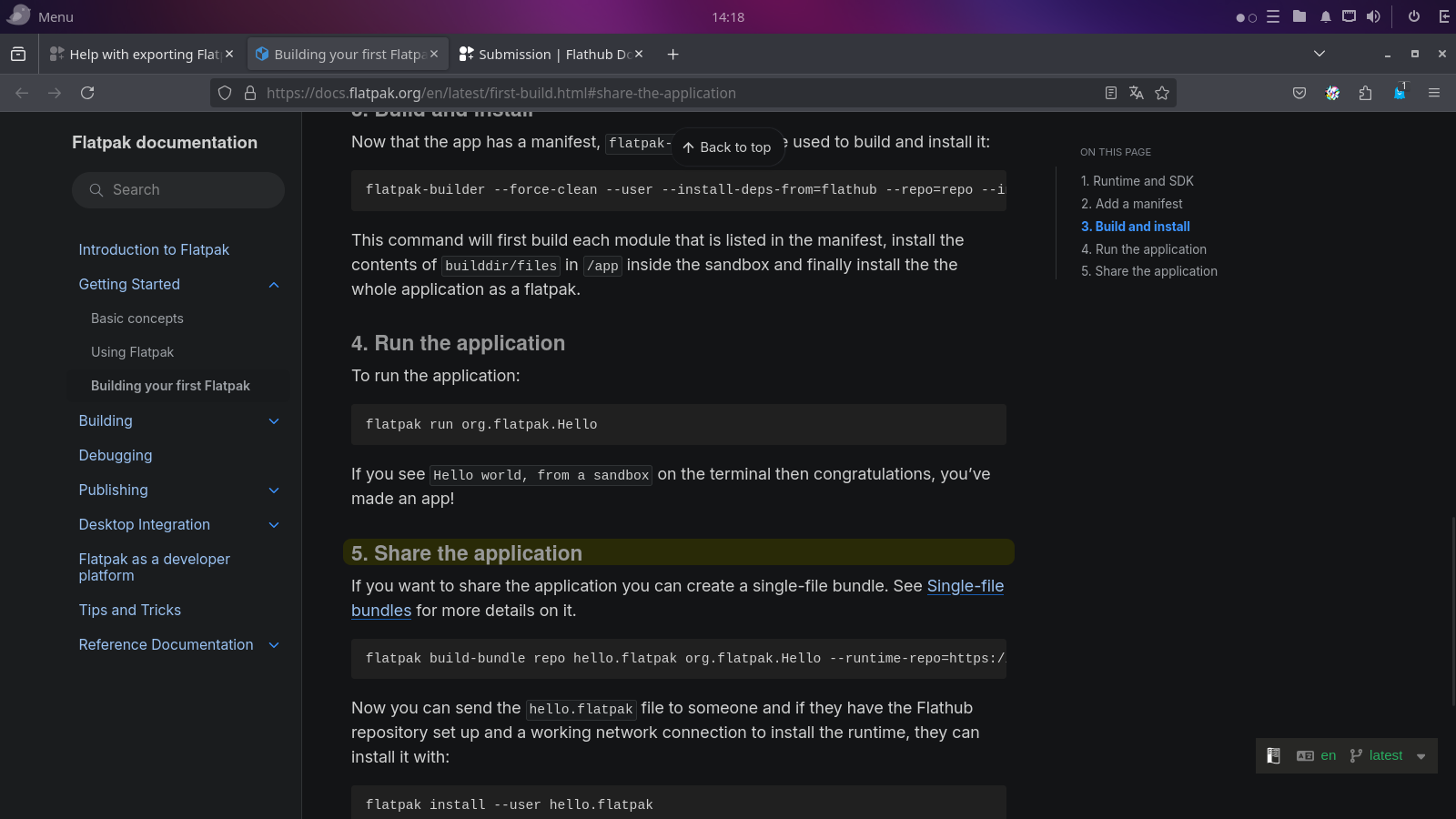
A .flatpak file is a Flatpak bundle, see Building your first Flatpak - Flatpak documentation to export a bundle.
Can I just upload the files to Flathub and they can be installed normally?
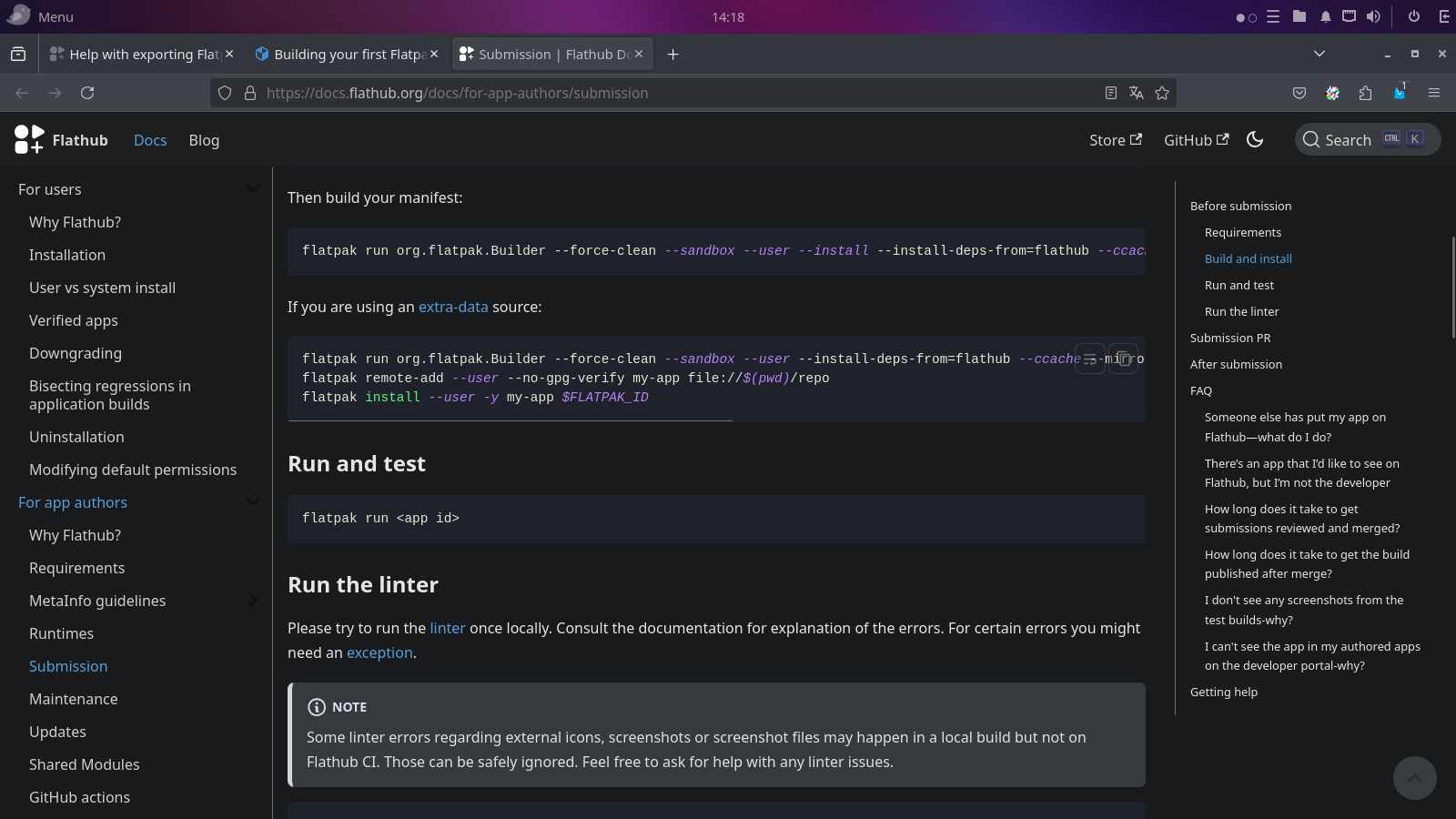
To submit to Flathub you have to send a PR with the manifest, not the bundle. Submission | Flathub Documentation
The thing is, in the tutorials I saw, I was told to run and export the created Flatpak, basically as a way of confirming that it was created correctly.
Since it is a theme, it doesn’t make sense to run it, so I tried to export it, but I couldn’t do it at all, so I don’t understand if the created Flatpak theme has a problem or if it is just impossible to export the Flatpak version of a GTK3 theme.
The link I gave is not pointing to run…
In the two links you sent, there is something about running the created Flatpak.
It’s linking to “Share the application” it is highlighted…
I tried to export but it just didn’t work.
So no error message no nothing is what you’re saying?
I’ve already managed to launch on Flathub, even without being able to export.