I’m the mantainer of Converter NOW, I published it on flathub few weeks ago. But I noticed a problem with the icon of the app. The icon in the application launcher on my distro is correct. If I open the app, I see the typical X11 icon in the bottom panel. To me it seems that the icon and the .desktop file is correctly installed.
Thank you for reporting your experience!
I’m currently using KDE plasma. I tried on 2 PCs with different plasma versions (5.22.5 on Kubuntu and 5.24.3 on Endeavour OS) and both X11 and wayland but I always have the same issue.
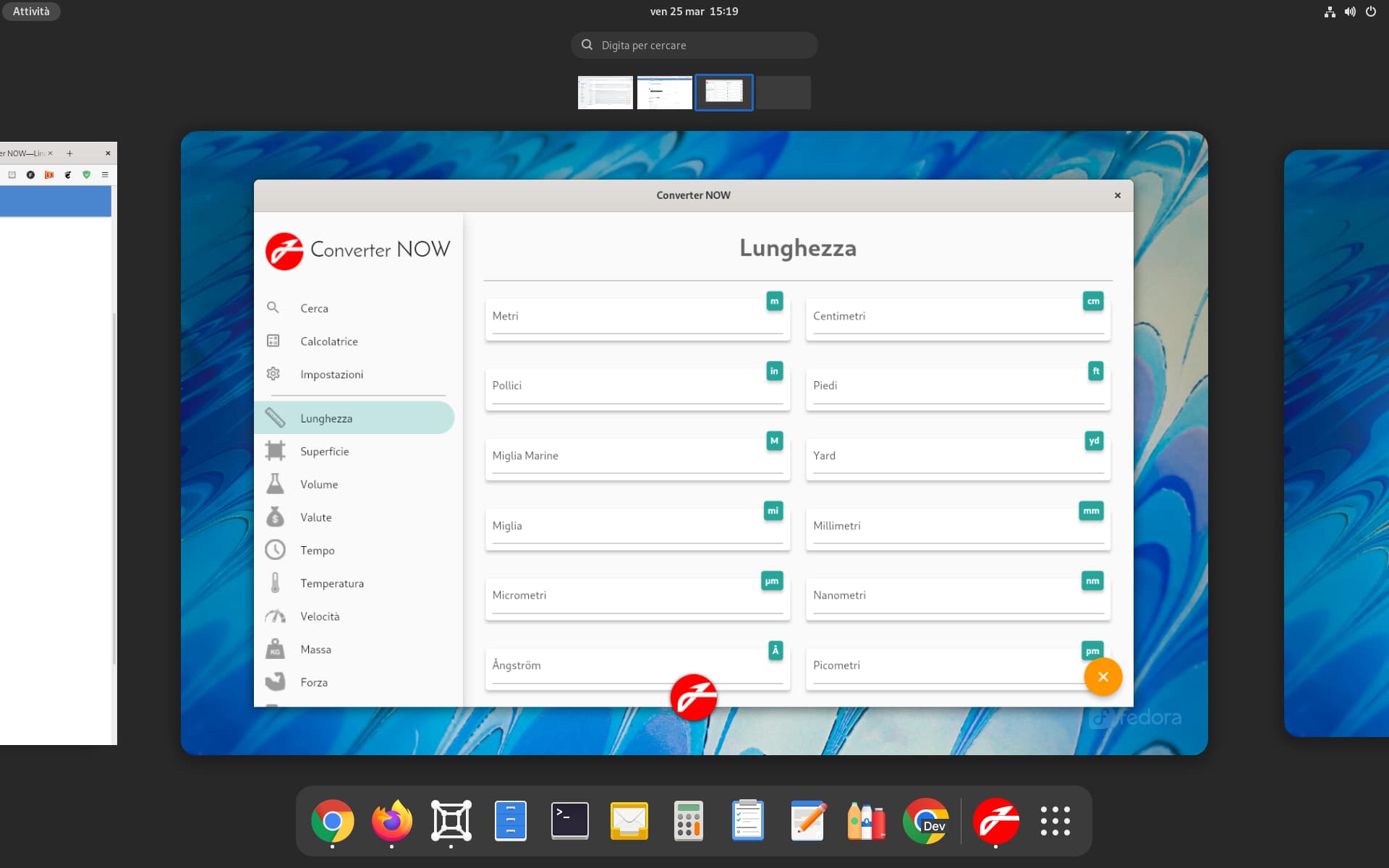
Works for me too on Fedora-35. Shows correctly on the bottom panel and on the Applications menu.
F
Federico Bruni
#7
I’ve created a Kubuntu 21.10 virtual machine and I can reproduce your issue.
My guess is that KDE is expecting the icon in a different place. Compare ConverterNOW with TextEditor (which displays correctly in KDE):
Maybe there’s a little improvement: I think that before this change the app icon didn’t show up in the search results and now it does. Do I remember correctly?
Anyway, there’s still the X icon on bottom panel and also the window application (top left).
Try following this discussion:
I think that the problem is that your application has this WM_CLASS (check with xprop command):
WM_CLASS(STRING) = "converternow", "Converternow"
but your app id is io.github.ferraridamiano.ConverterNOW.
Changing the WM_CLASS to the reverse-DNS name in your application should fix the problem.
Maybe there’s a little improvement: I think that before this change the app icon didn’t show up in the search results and now it does. Do I remember correctly?
Nope, it’s the same as before
I think that the problem is that your application has this WM_CLASS
It seems that it is my exact same problem but I don’t understand how can I fix this. How can I change the WM_CLASS? Thank you!


 . Now if you update the app and execute your command you will get this: