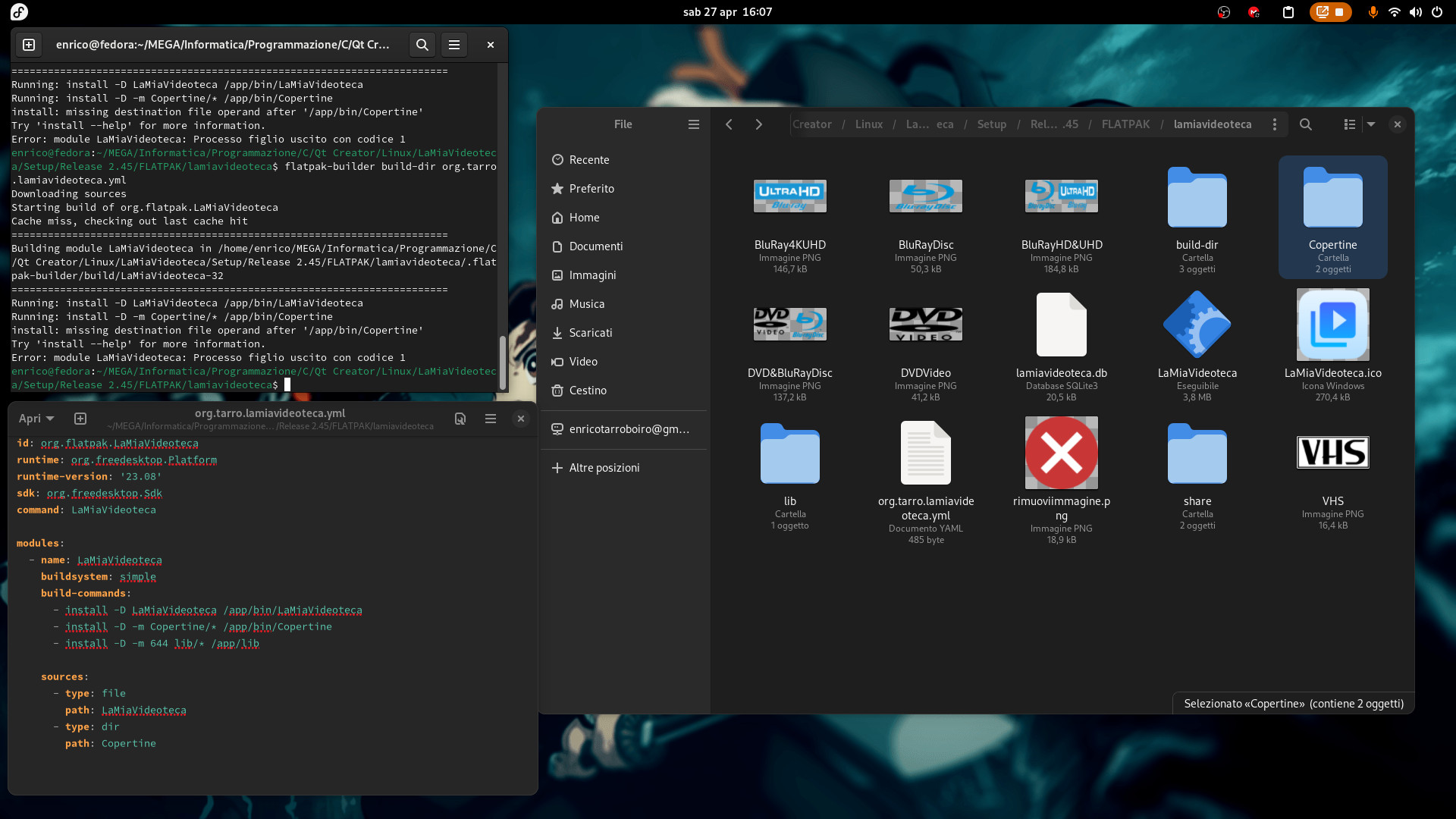
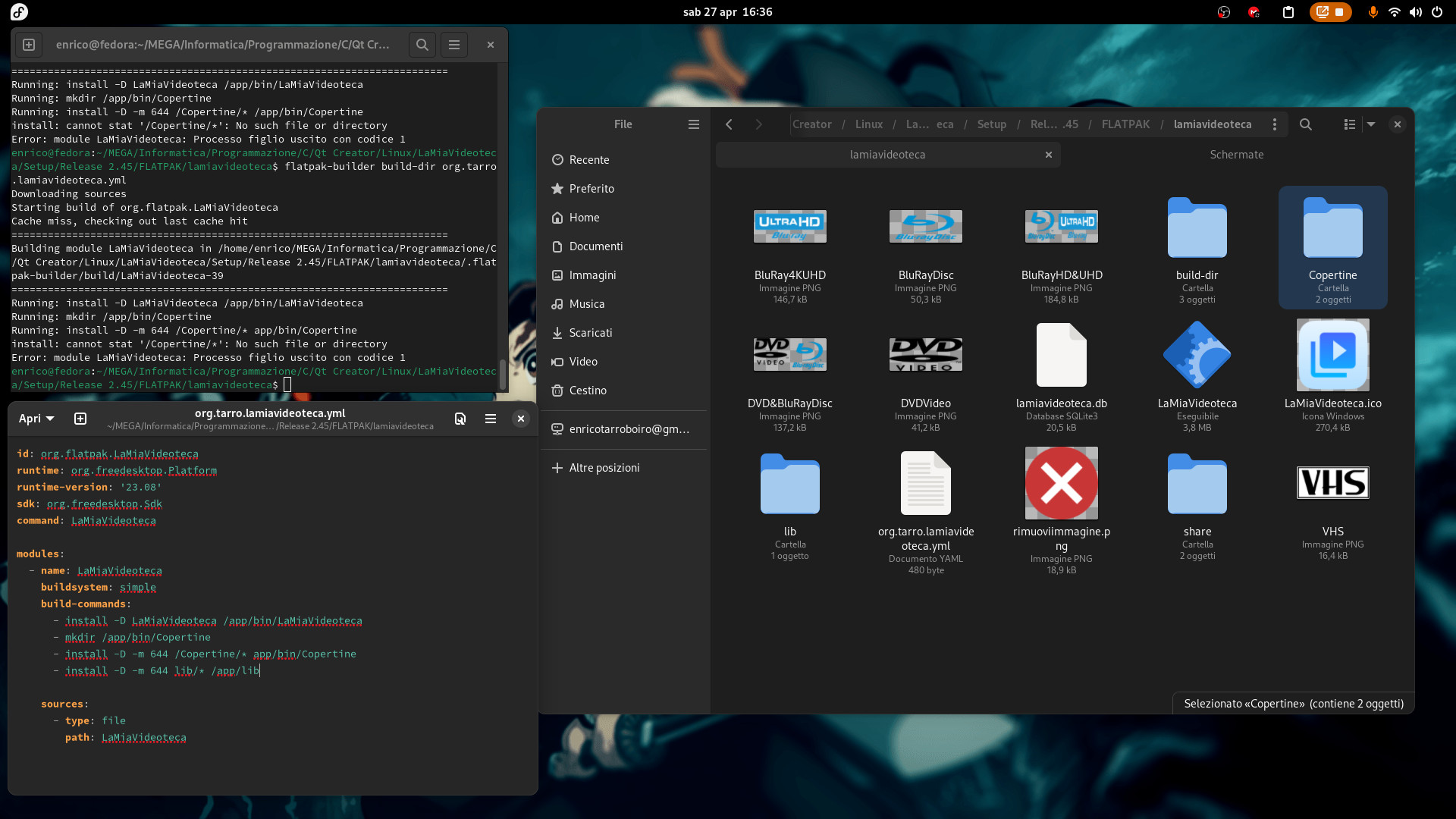
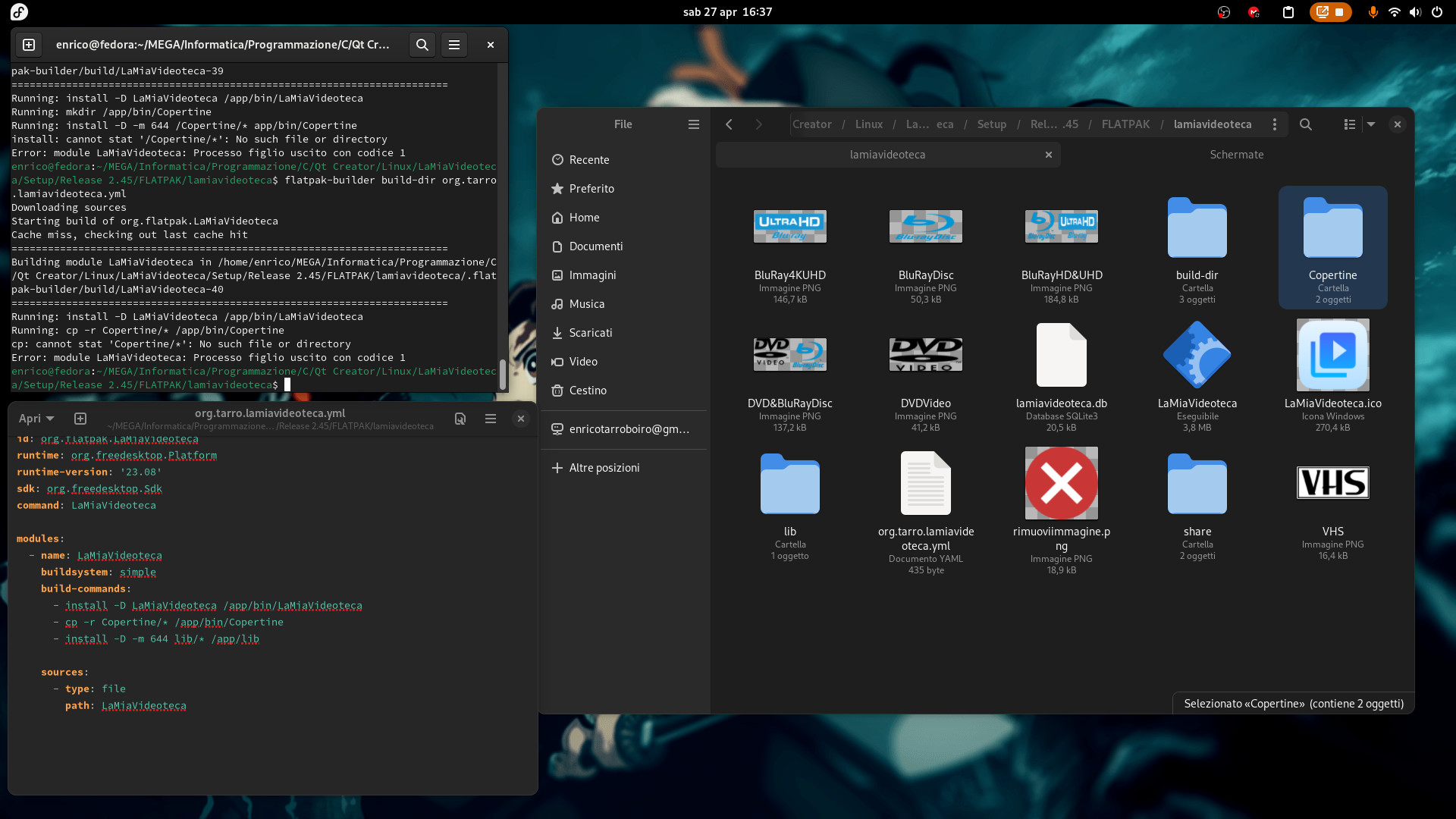
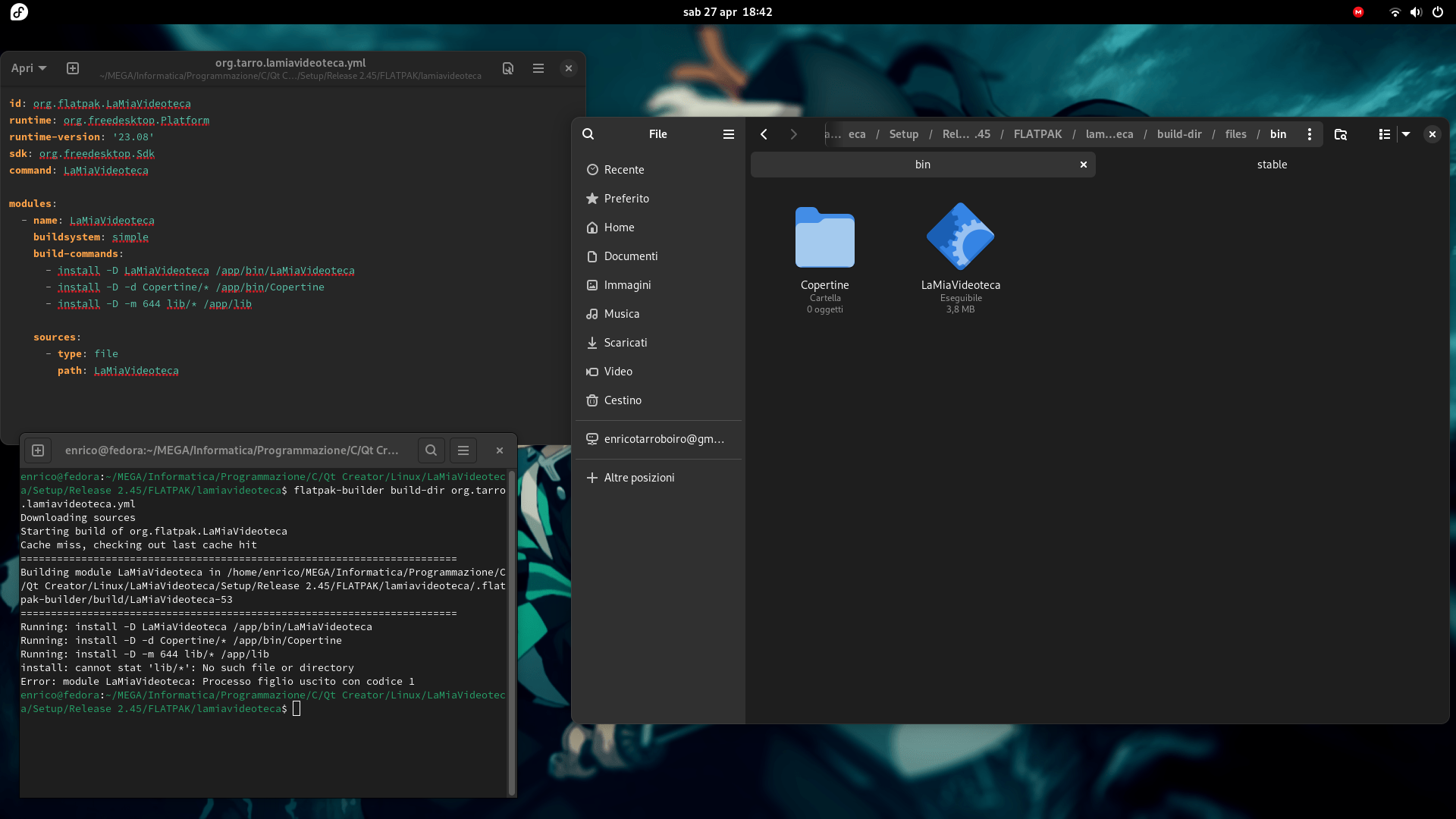
Hello everyone. I created a program to catalog the Films that one owns, called LaMiaVideoteca. I’ve ported it to both Windows and Linux. On the latter I can already package it in deb and AppImage. I would now like to package it in FLATPAK (via SNAP I failed). So, I created a folder called lamiavideoteca, inside which I put the executable, the images (which the program needs), the libraries that the application needs, the share folder containing the icon and the file for the shortcut (. Desktop). I generated a org.tarro.lamiavideoteca.yml file in which I put the following code:
id: org.flatpak.LaMiaVideoteca
runtime: org.freedesktop.Platform
runtime-version: '23.08'
sdk: org.freedesktop.Sdk
command: LaMiaVideoteca
modules:
- name: LaMiaVideoteca
buildsystem: simple
build-commands:
- install -D LaMiaVideoteca /app/bin/LaMiaVideoteca
- cp -r Copertine /app/bin/Copertine
- cp -r lib /app/bin/lib
sources:
- type: file
path: LaMiaVideoteca
The compilation I do from the folder where the org.tarro.lamiavideoteca.yml is located with the flatpak-builder build-dir org.tarro.lamiavideoteca.yml command fails telling me that the Covers and lib directories do not exist, BUT they EXIST. Someone would know how to help me. Thanks for the help.
You’re only handing the file LaMiaVideoteca to the flatpak in your sources, you likely meant to use the dir type instead?
There’s some help for you friend might get you started in the right direction!
id: org.flatpak.LaMiaVideoteca
runtime: org.freedesktop.Platform
runtime-version: '23.08'
sdk: org.freedesktop.Sdk
command: LaMiaVideoteca

modules:
  - name: LaMiaVideoteca
    buildsystem: simple
    build-commands:
      - install -D LaMiaVideoteca /app/bin/LaMiaVideoteca
      - install -D -m 644 Copertine/* /app/share/Copertine
      - install -D -m 644 lib/* /app/lib
    sources:
      - type: file
        path: LaMiaVideoteca
Thanks I tried:
id: org.flatpak.LaMiaVideoteca
runtime: org.freedesktop.Platform
runtime-version: '23.08'
sdk: org.freedesktop.Sdk
command: LaMiaVideoteca

modules:
  - name: LaMiaVideoteca
    buildsystem: simple
    build-commands:
      - install -D LaMiaVideoteca /app/bin/LaMiaVideoteca
      - install -D -m Copertine/* /app/bin/Copertine
      - install -D -m 644 lib/* /app/lib

    sources:
      - type: file
        path: LaMiaVideoteca
      - type: dir
        path: Copertine
I am told that the Copertine folder does not exist. I tried to create it by adding:
files:
- name: Copertine
dest: /app/bin/Copertine
But nothing changed, so I removed the previous code.
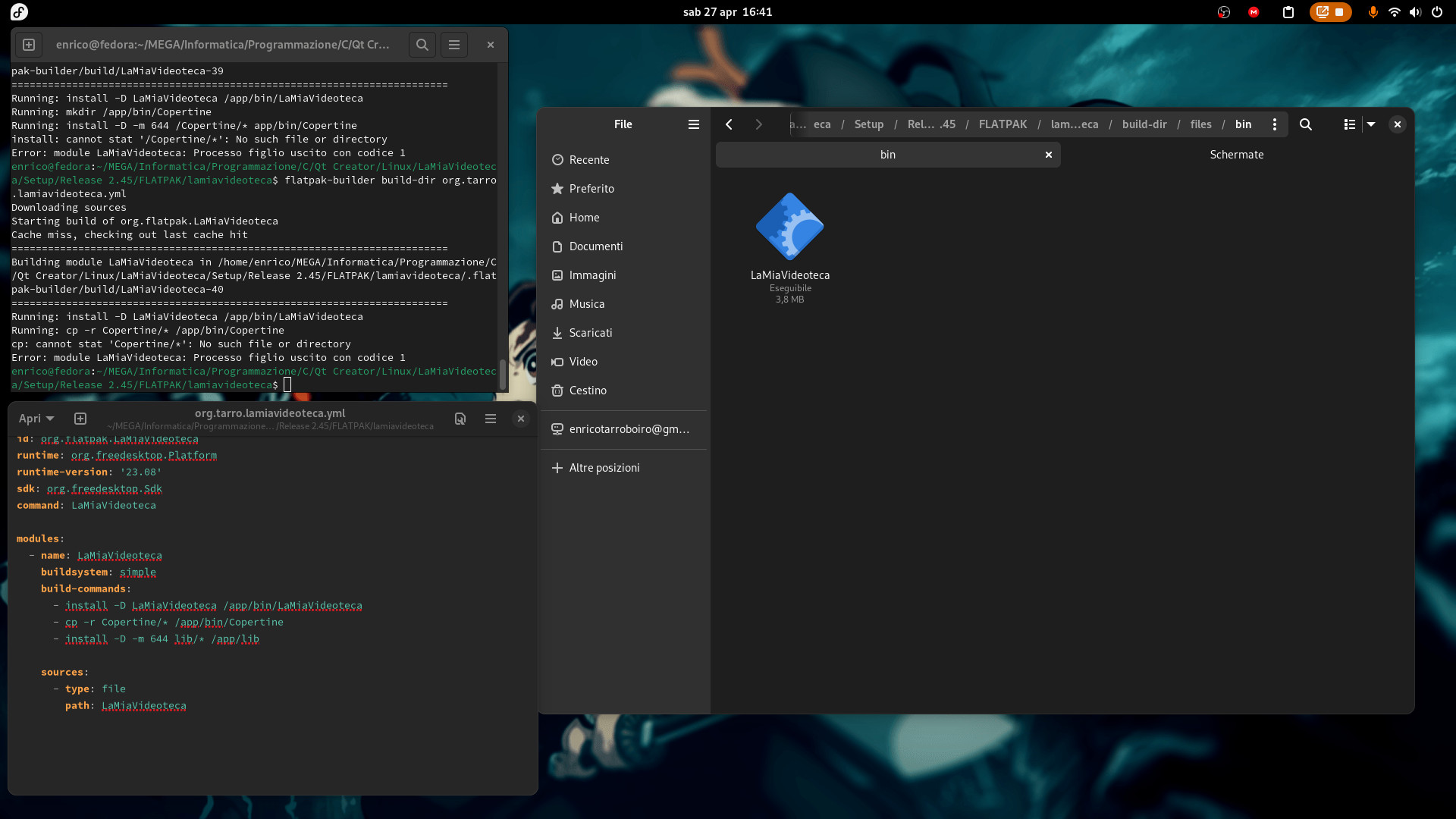
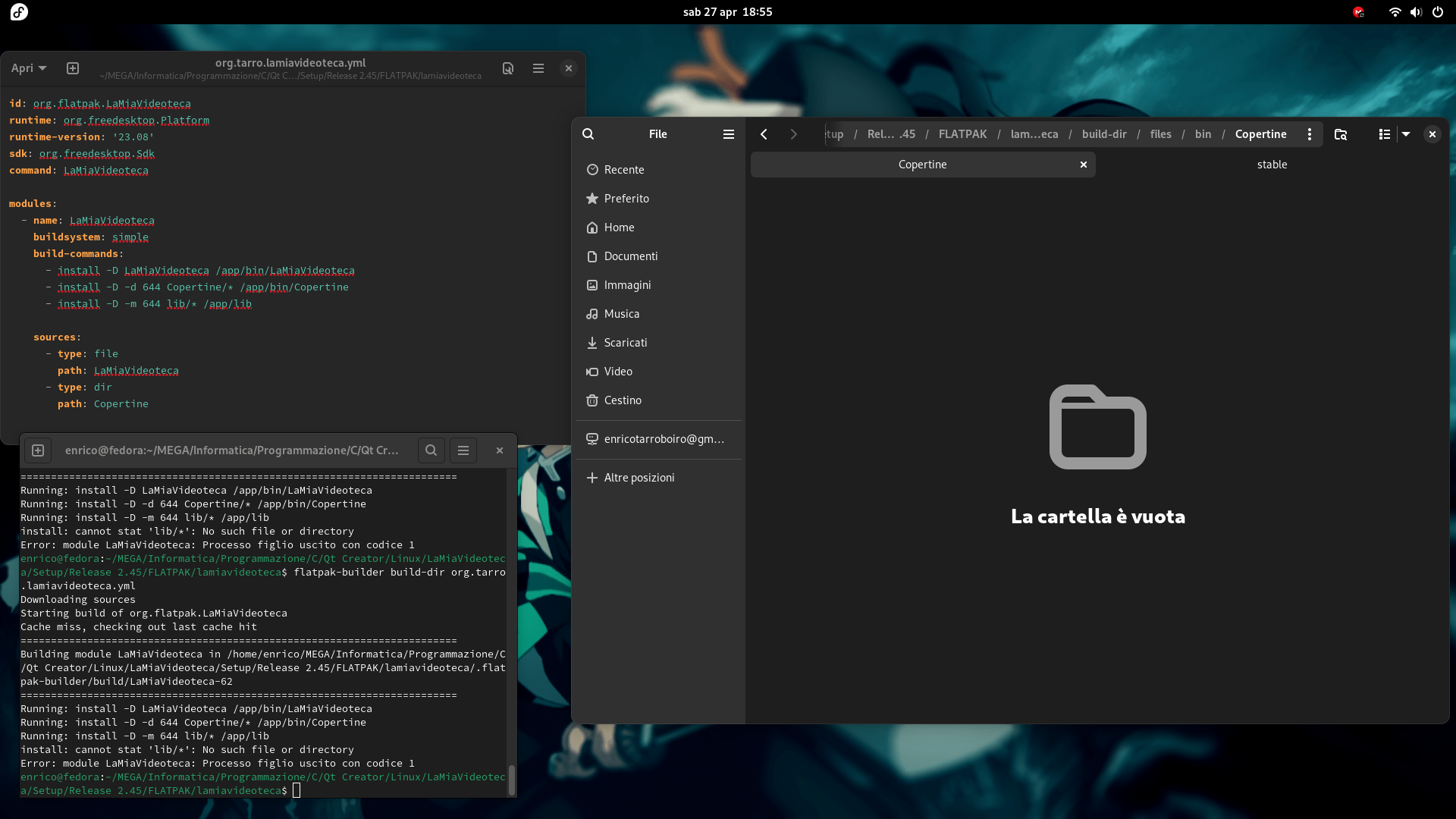
It doesn’t work either in these two ways. It keeps telling me the folder doesn’t exist. But it exists. In fact the LaMiaVideoteca file is copied, as you can see in the bin folder.
Out of curiosity, I tried to remove the libraries and the Copertine folder to see where the .flatpak file was created. But I noticed that it doesn’t get generated anyway. Can you tell me where I’m going wrong? Thanks to anyone who tries to answer me.
install: missing destination file operand after '/app/bin/Copertine'
I think it does find the folder in this case but the install command syntax is just wrong
Thanks. I managed to copy the Copertine folder, although unfortunately it is copied without the files it contains. As for lib I will look after I have managed to copy the Copertine folder with all the files it contains.
You should have dir source in sources list
It doesn’t change the result.
Isn’t it Copertine/lib? If not just add lib as another dir source
Copertine is a folder that contains images necessary for the program, while lib is the folder containing the libraries necessary for the program.
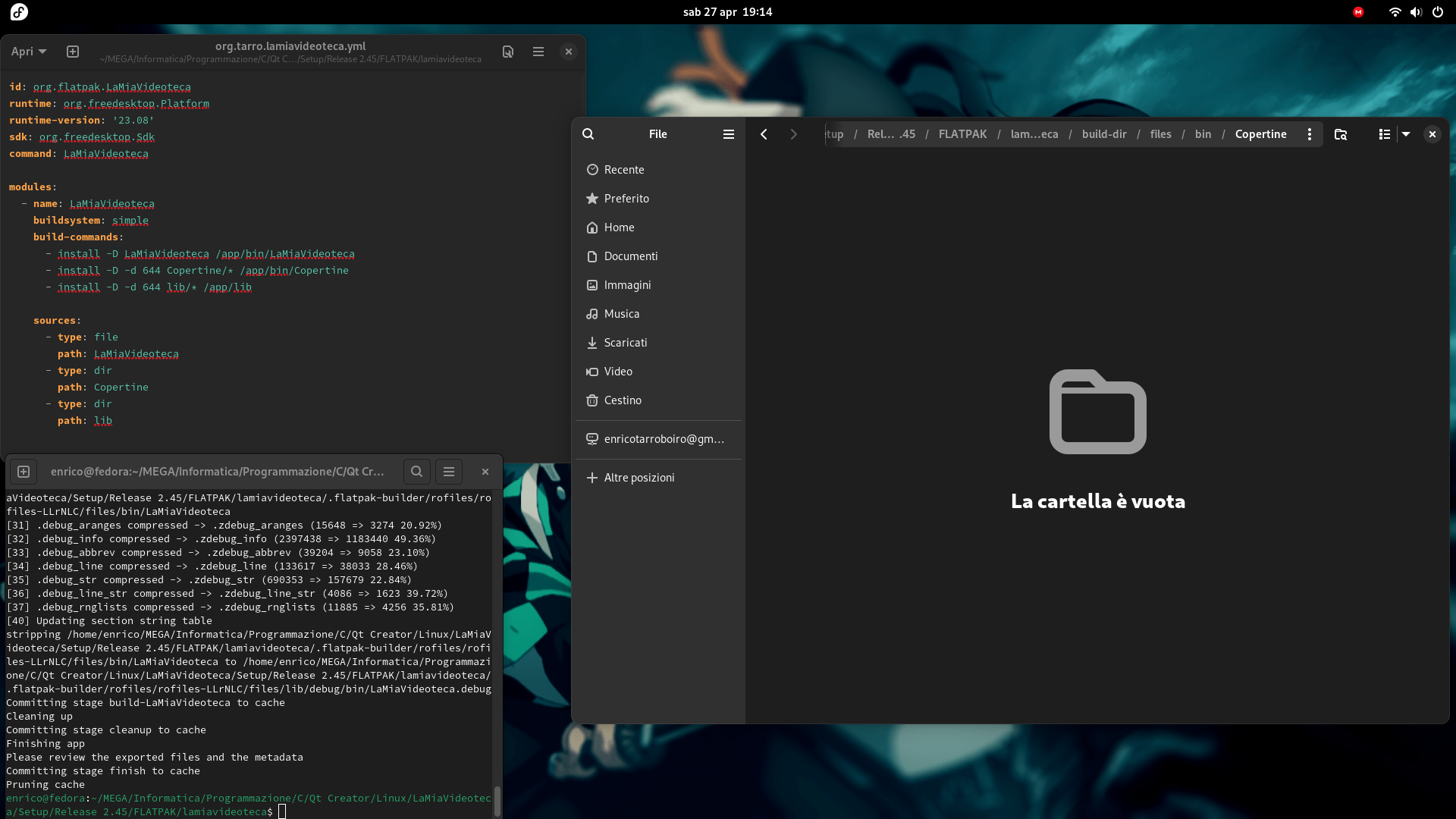
The problem is that the created folders remain empty, despite being full of images (Copertine) and files the folder libraries (lib).
I think you just use the wrong install command flags
It doesn’t work with cp -r. Furthermore, the .flatpak file is not generated. What is the right command?
This is cp sample from one of my manifests: "cp -r usr/* /app/"
Thanks. But not works:
build-commands:
      - install -D LaMiaVideoteca /app/bin/LaMiaVideoteca
      - cp -r Copertine/* /app/bin/Copertine/

    sources:
      - type: file
        path: LaMiaVideoteca
      - type: dir
        path: Copertine
I’ve noticed that copying every single file at a time works. But I think it’s absurd that for a program that has 30 libraries I have to copy them one by one from code and I can’t copy the entire folder.
id: org.flatpak.LaMiaVideoteca
runtime: org.freedesktop.Platform
runtime-version: '23.08'
sdk: org.freedesktop.Sdk
command: LaMiaVideoteca

modules:
  - name: LaMiaVideoteca
    buildsystem: simple
    build-commands:
      - install -D LaMiaVideoteca /app/bin/LaMiaVideoteca
      - install -T BluRay4KUHD /app/bin/BluRay4KUHD


    sources:
      - type: file
        path: LaMiaVideoteca
      - type: file
        path: BluRay4KUHD
Substituting for the various files (file1,file2,etc) the follow code:
- install -T file1 /app/bin/file1
- install -T file2 /app/bin/file2
and in sources:
- type: file
path: file1
- type: file
path: file2
You have to define a destination because the sources will be flattened (see Flatpak manifest).
Sources
These contain a pointer to the source that will be extracted into the source directory before the build starts. They can be of several types, distinguished by the type property.
[…]
All sources
[…]
dest (string)
Directory inside the source dir where this source will be extracted.
[…]
Directory sources
type
“dir”
path (string)
The path of a local directory whose content will be copied into the source dir. Note that directory sources don’t currently support caching, so they will be rebuilt each time.
You can inspect the build dir either in the .flatpak-builder/build subfolder (maybe you have to run flatpak-builder with --keep-build-dirs) or enter the build environment with --build-shell=LaMiaVideoteca.
If you want to create a .flatpak bundle you have create it from a (local) repository (see Flatpak Builder Command Reference - Flatpak documentation & Single-file bundles - Flatpak documentation).